Users can rate articles to say whether they were helpful or not helpful.
Depending on how you set your knowledgebase up, they can either rate an article as:
- Helpful/Not helfpul, or
- Use a star rating system.
When a user rates an article they can also add a comment saying why they rated the article the way they did.
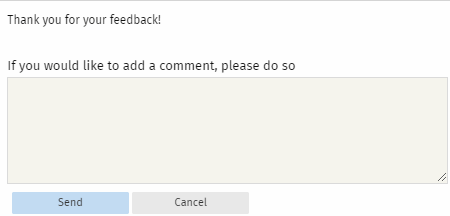
These comments are emailed to the supervisor for that category, or if no supervisor is assigned, to the system administrator.
You can see these rating comments in the Admin area
- Choose the Feedback menu
- Select the Rating Comments tab
----------------------------------------------------------------------
This functionality works in version 3.5 and above
---------------------------------------------------------
Some functionality mentioned on this screen works in version 3.5 only or has been changed for version 4.0.
For a complete list of changed/new functionality, please see version 4.0 release notes


