|
Article ID: 187
Last updated: 24 Aug, 2012
For KBPublisher v4.0.2 and lower ionCube loader must be installed. On many web servers the Loader can be enabled automatically with no changes to the php.ini file and no server restart required. If your server does not have ionCube support already enabled, you can obtain Loaders for your server platform from here. Instructions for installing Loaders can be found here.
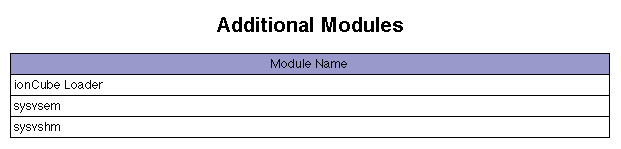
You can also you can run the ioncube helper file distributed with kBPublisher. If you install IonCube loader in the php.ini file you can check if loader installed in phpinfo.
Please see this article for how to create the phpinfo file.
Article ID: 187
Last updated: 24 Aug, 2012
Revision: 3
Access:
Public
Views: 29465
Comments: 1
External links
Comments
|